jump to Content of page jump to Contact Information jump to Important Links jump to Academics Menu jump to Activities Menu jump to Catalog Menu jump to Forms Menu jump to Misc Menu jump to Footer navigation

Georgia Institute of Technology
site search
site help campus map directories sitemap
 
Thursday, July 24th 2008
Registration Information
Contact Information
Office Hours:
Monday - Friday
8:00am - 4:30pm
Phone Number:
404-894-4150
Fax Number:
404-894-0167
Email Address:
comments@registrar.gatech.edu
Location:
Administration Building
225 North Avenue
First Floor (Tech Tower)
Mailing Address:
Georgia Institute of Technology
Office of the Registrar
Atlanta, Georgia 30332-0315

Grade Mode

Refer to the Schedule of Classes for the available grade mode(s) of classes.


L = Course may be taken for letter grade. A final grade of A,B,C,D,F, or I will be assigned to the course.

P = Course may be taken as pass/fail. A final grade of S or U will be assigned. Institute and major school regulations limit the total hours in specific degree programs that may be taken on a pass/fail basis and used toward satisfying degree requirements. Therefore, students should check with their academic advisors before requesting a course on a pass/fail basis. See Rules & Regulations X

A = Course may be taken as audit. A grade of "V" will be assigned for successful audit. In the judgment of the instructor, if a student does not participate satisfactorily to be awarded a successful audit, then a grade of "W" will be assigned. Audit implies no academic achievement on the part of the student. Courses taken on an audit basis may not be used for degree credit under any circumstances. See Rules & Regulations IX

How do I change the grade mode for a class?

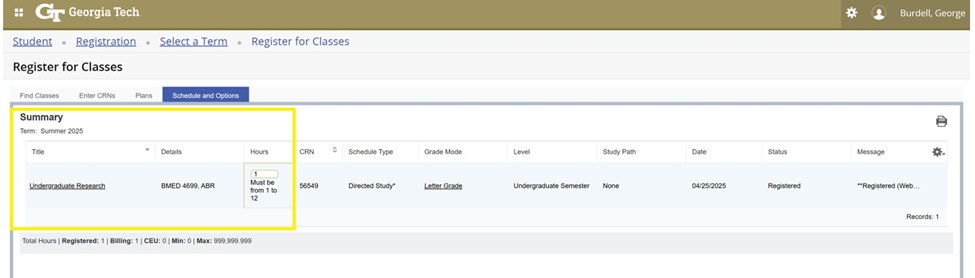
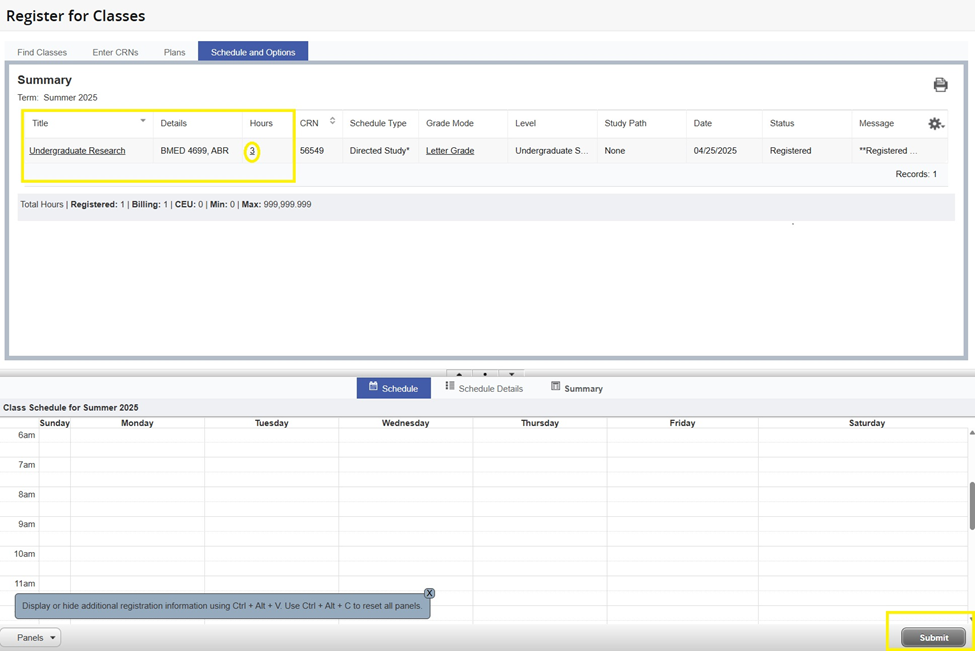
The grade mode for a course can not be changed after registration is completed for the term. To change the grade mode during registration, use the Web Student Access System. Please note that students may only select a grade mode that is available for the course they wish to take (Ex: The grade mode cannot be changed to pass/fail for a course that is offered letter grade only). To determine the available grade mode(s) of a course(s), please refer to the Schedule of Classes.
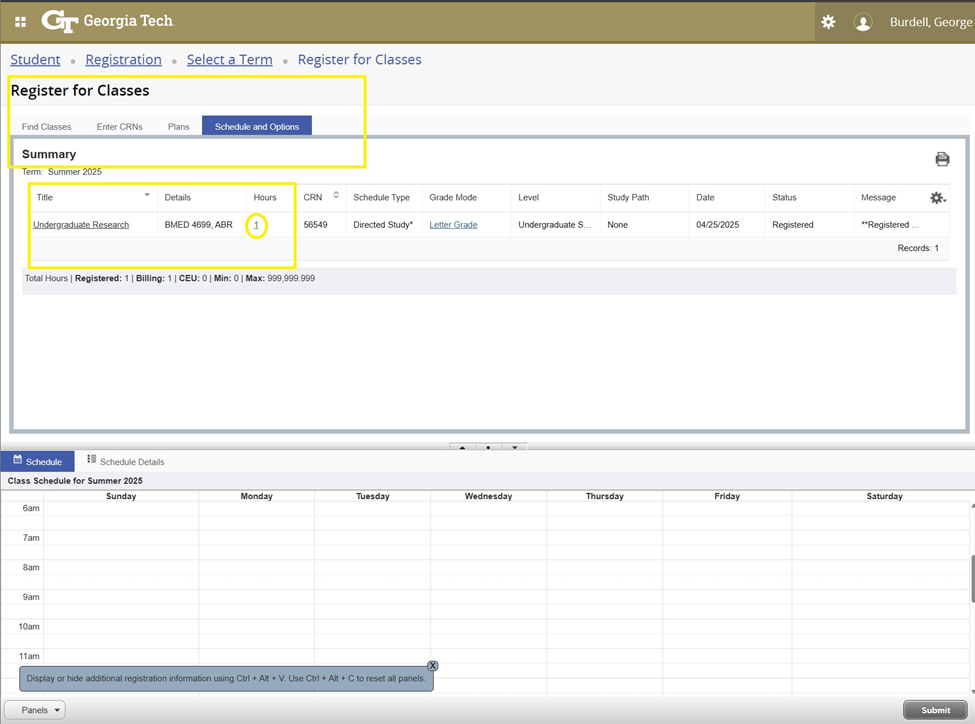

  1. Go to https://oscar.gatech.edu
  2. Select "Secured Access Login"
  3. Select "Student Services & Financial Aid"
  4. Select "Registration"
  5. Select "Add/Drop Classes"
  6. Select "Term"
  7. Select "Change Course Options" at the bottom of screen
  8. Enter the desired grade mode
  Undergraduate Admissions | Graduate Admissions | Bursar | OIT Customer Support | Report Website Problems | Contact Us  
Notwithstanding any language to the contrary, nothing contained herein constitutes nor is intended to constitute an offer, inducement, promise, or contract of any kind. The data contained herein is for informational purposes only and is not represented to be error free. Any links to non-Georgia Tech information are provided as a courtesy. They are not intended to nor do they constitute an endorsement by the Georgia Institute of Technology of the linked materials.